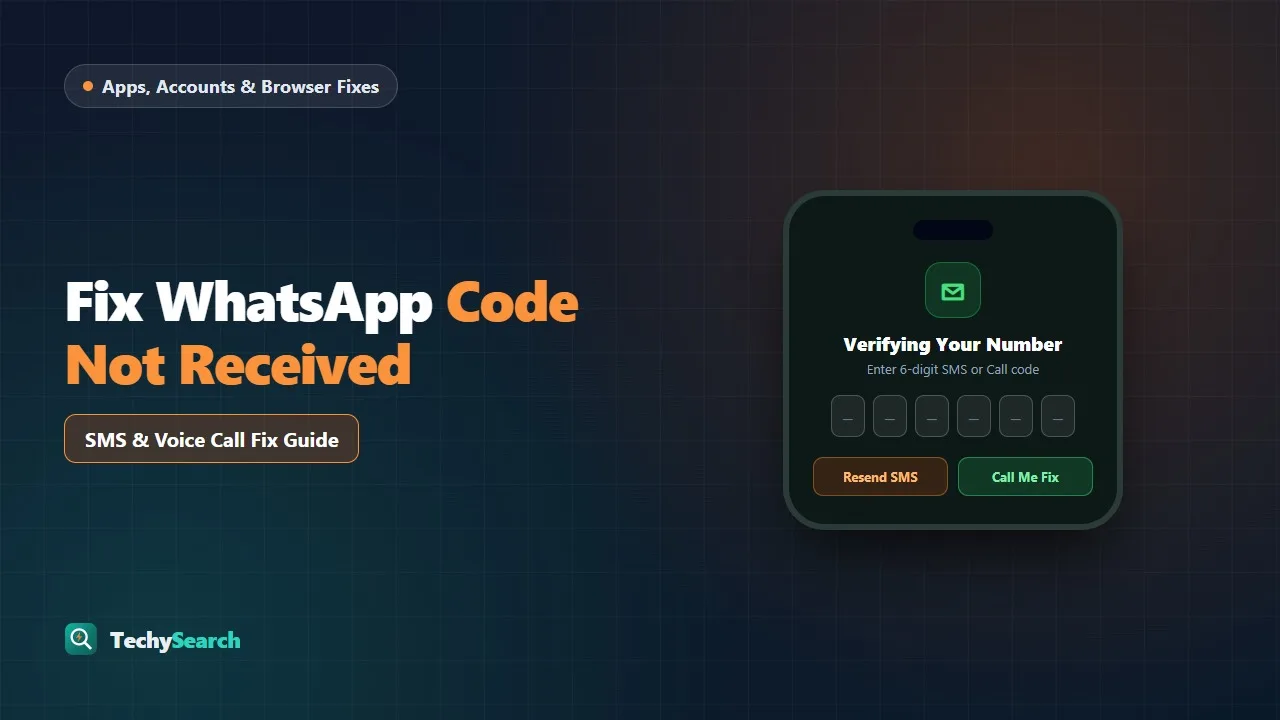
You tap "Resend code," watch the timer reset, and still nothing arrives — no SMS, no call, just a spinning screen. A case of whatsapp verification code not received sms call fix usually comes down to one of a few culprits: a blocked sender, a wrong number, a carrier filter, or a rate limit triggered by too many retries. The good news is that most cases resolve within minutes once you know which one you’re facing.
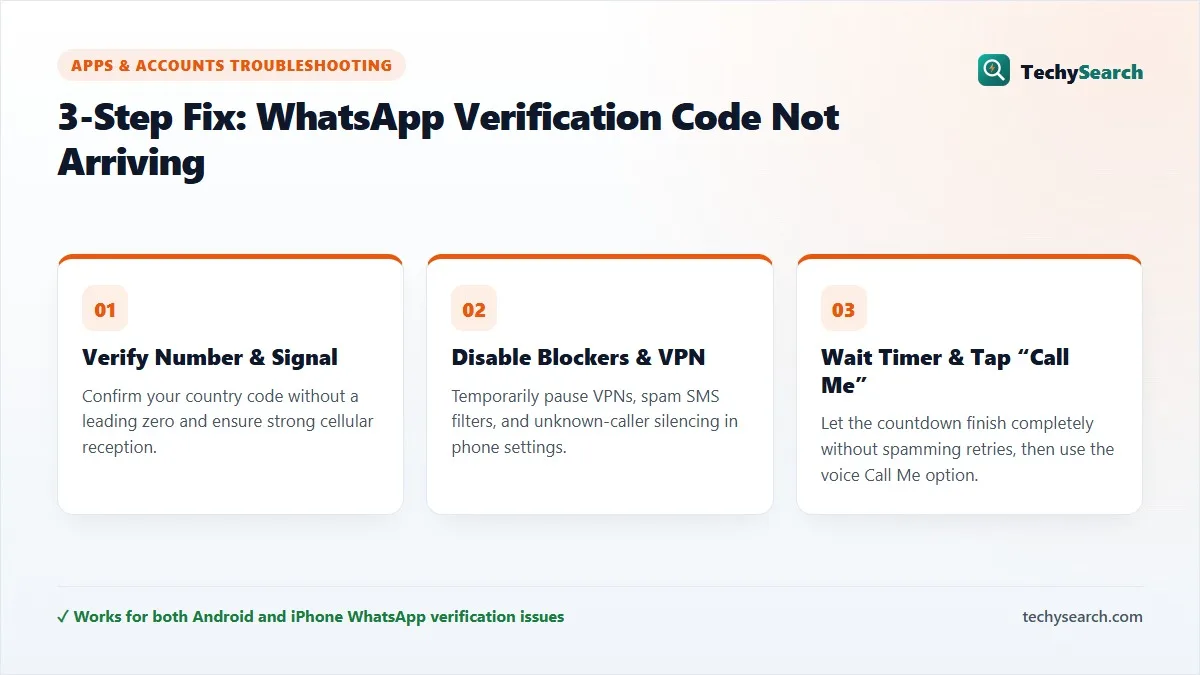
First confirm the phone number and country code are correct, then wait for the countdown timer before requesting another code. If nothing arrives, switch between SMS and the "Call me" option, check your blocked messages and spam filters, and try again on a stable Wi-Fi or mobile connection. Only after those steps should you consider waiting 24 hours for the rate limit to clear.
This guide walks through what the error actually means, why it matters, and the exact steps that work. You’ll also see the mistakes that keep people stuck and answers to the questions most users ask.
In This Guide
What is whatsapp verification code not received sms call fix?
It’s the set of troubleshooting steps that gets your one-time verification code delivered when WhatsApp can’t reach you by text or voice call. WhatsApp sends a short numeric code to confirm you own the phone number you’re registering. If that code never shows up, you can’t complete setup, restore a backup, or move your account to a new phone.
The message can fail for reasons on your side, on your carrier’s side, or on WhatsApp’s side. Understanding which side is failing is the whole game.
The three delivery paths WhatsApp uses
WhatsApp doesn’t rely on a single channel. It tries them in sequence:
- SMS — the default. A short text with a six-digit code lands on your number.
- Voice call — an automated call reads the code aloud. This appears after you tap "Call me" or after SMS fails.
- In-app or email fallback — on some accounts, especially two-step verification setups, you may get an alternative prompt.
If all three fail, the problem is almost always tied to the number itself or the network, not the app.
Why the code sometimes disappears
A code that "never arrived" often did arrive and got filtered. Spam blockers, carrier-level SMS filters, and message apps that sort unknown senders can swallow a short-code text before you see it. On dual-SIM phones, the code may land on the other SIM’s inbox. On a recently ported number, the routing can lag for a day or two.
Other times the number is simply wrong. A missing digit or the wrong country code sends the code to a stranger’s phone. That stranger has no reason to forward it.
Verification texts come from short codes, not normal phone numbers. Many spam filters treat short codes as suspicious by default, which is why a code can vanish without a single notification.
What a "fix" actually involves
Fixing it means working through a short checklist in order: verify the number, wait out the timer, switch channels, clear filters, and test your network. You don’t need to reinstall the app first, and you rarely need to contact support. Most people solve it in under ten minutes once they stop hammering the resend button.
The key takeaway: treat this as a delivery problem to diagnose, not an app bug to reinstall around.
Why whatsapp verification code not received sms call fix matters
A missing code locks you out of more than a chat app. For many people, WhatsApp holds family conversations, work groups, and two-factor login codes for other services. Every hour without access is an hour of missed messages and broken workflows. That’s why a reliable whatsapp verification code not received sms call fix is worth learning properly.
Locked accounts and lost backups
When you switch phones, the verification code is the gate to your message history and media backup. Fail verification too many times and the app may lock further attempts for a period. If you’re traveling or changing numbers, a stuck code can strand you with no way to reach contacts who only know your WhatsApp.
The resend trap
Each tap of "Resend" pushes you closer to a temporary block. WhatsApp limits how many codes it will send in a window. People who retry ten times in two minutes often trigger a 24-hour cooldown, turning a small hiccup into a full day offline. Knowing the right order of steps prevents that self-inflicted delay.
Real cost in time and stress
Consider a freelancer who uses WhatsApp to coordinate with clients. A missed code on a Monday morning can cost a day of back-and-forth. A parent setting up a new phone for a teenager hits the same wall. The fix matters because the stakes are rarely just "one app."
Comparison: fast fixes vs. slow fixes
| Situation | Fast fix (minutes) | Slow fix (hours to a day) |
|---|---|---|
| Wrong number typed | Correct and resend | — |
| Spam filter blocking short code | Whitelist and resend | — |
| Too many resend attempts | — | Wait out the cooldown |
| Carrier porting delay | — | Wait for routing to settle |
Notice that the slow column is almost always caused by earlier impatience. The fast-fix column rewards a calm, ordered approach.
The biggest cost of a missing code isn’t the code itself — it’s the cooldown triggered by frantic retries. Patience is part of the fix.
Best practices
These steps work best in order. Do them one at a time and give each a minute to take effect before moving on.
Step 1: Confirm the number and country code
Open the registration screen and read the number back digit by digit. Check that the country code matches your SIM, not the country you’re currently in. A traveler with a local SIM still needs the SIM’s home country code unless the number was issued locally.
Step 2: Wait for the timer, then switch channels
WhatsApp shows a countdown before you can request another code. Let it finish. Then choose the voice call option instead of SMS. A voice call often succeeds when texts are filtered because it bypasses SMS routing entirely.
Step 3: Hunt down the filtered message
Check these places for a code that arrived but got hidden:
- Your phone’s default Messages app, including the spam or "blocked" folder.
- Any third-party SMS app’s filtered tab.
- On iPhone, the "Unknown Senders" filter in Messages.
- Your carrier’s spam-blocking service, which may be on by default.
Step 4: Test your network and SIM
Move to a spot with strong signal, or toggle airplane mode for ten seconds to refresh the connection. If you have a second SIM, swap it into the primary slot temporarily. A loose SIM tray or a dying SIM card can interrupt incoming texts without warning.
Step 5: Give it 24 hours if needed
If you’ve tried everything and still nothing arrives, stop. The resend limit is likely active. Wait a full 24 hours, then request one code on a strong connection. Most locked-out users succeed on the first attempt after the cooldown.
Turn on two-step verification with a backup email in WhatsApp settings. If a future code fails, the email path gives you a second way in.
The takeaway here: order matters more than effort. A single correct request beats twenty rushed ones.
Common mistakes to avoid
Most stuck users aren’t unlucky — they’re repeating one of these errors. Spotting your mistake early saves hours.
Spamming the resend button
This is the number one cause of day-long lockouts. Every request counts against the limit, even if the code never reaches you. Tap once, wait, then switch to the voice call option rather than tapping again.
Reinstalling before troubleshooting
A fresh install does nothing useful and changes nothing about delivery. People delete the app, reinstall, and hit the same wall — now with less patience and closer to the resend limit. Uninstalling also can’t fix a carrier filter or a typo in the number.
Ignoring the spam folder and blocked list
Many users swear the code "never came." Then they find it in a filtered tab or a carrier spam list. Check those folders before assuming a network failure. On some Android phones, the code sits in a "Promotions" style category inside the messaging app.
Using a number you don’t control
Virtual numbers, VoIP lines, and shared office numbers often can’t receive WhatsApp codes at all. If you’re registering a number from a calling app rather than a real SIM, expect failures. Use a physical SIM tied to your carrier.
Forgetting the Wi-Fi versus mobile data question
Verification needs a data connection to reach WhatsApp’s servers. If Wi-Fi is captive or flaky, the app may stall before it even sends the request. Toggle to mobile data and try once.
Repeated failed attempts can lock verification for up to 24 hours. If you’ve tried three times, stop and wait rather than risk a longer block.
FAQ
How long should I wait before requesting another code?
Let the on-screen countdown finish completely — usually under two minutes. After that, request once more, preferably by voice call. If that fails too, wait 24 hours before trying again to avoid the resend limit.
Why does the voice call option work when SMS doesn’t?
Voice calls bypass SMS filtering and short-code blocks that carriers apply. If your phone rejects automated texts but accepts calls, the spoken code reaches you where the text couldn’t. It’s the fastest channel switch to try.
Can a VPN or wrong region setting block the code?
Yes. A VPN that places you in another country can confuse the region matching. Turn off the VPN, set your phone’s region to match your SIM, and request a new code. This alone resolves many stubborn cases.
Does a factory reset help if nothing else works?
Rarely, and it costs you time and data. Reset only after confirming your SIM works in another phone and the number is correct. A working SIM in a different device is a better test than wiping your own.
What if I ported my number recently?
Porting can delay SMS routing for up to 48 hours. Use the voice call option in the meantime, and confirm with your carrier that the port completed. Codes usually flow normally once routing settles.
Conclusion
A missing WhatsApp code is almost always a delivery problem, not a broken app. Confirm your number, respect the countdown, switch to the voice call option, and check your filtered messages before doing anything drastic. The single most useful habit is patience with the resend button — it prevents the day-long lockout that frustrates most users. Start with the number check and the channel switch tonight, and if the code still doesn’t arrive, wait a full 24 hours before your next attempt. That ordered approach resolves the vast majority of cases without a support ticket.